


Description
SPECIFICATIONS
Brand Name: NoEnName_Null
Choice: yes
Hign-concerned Chemical: None
Origin: Mainland China
Be careful!
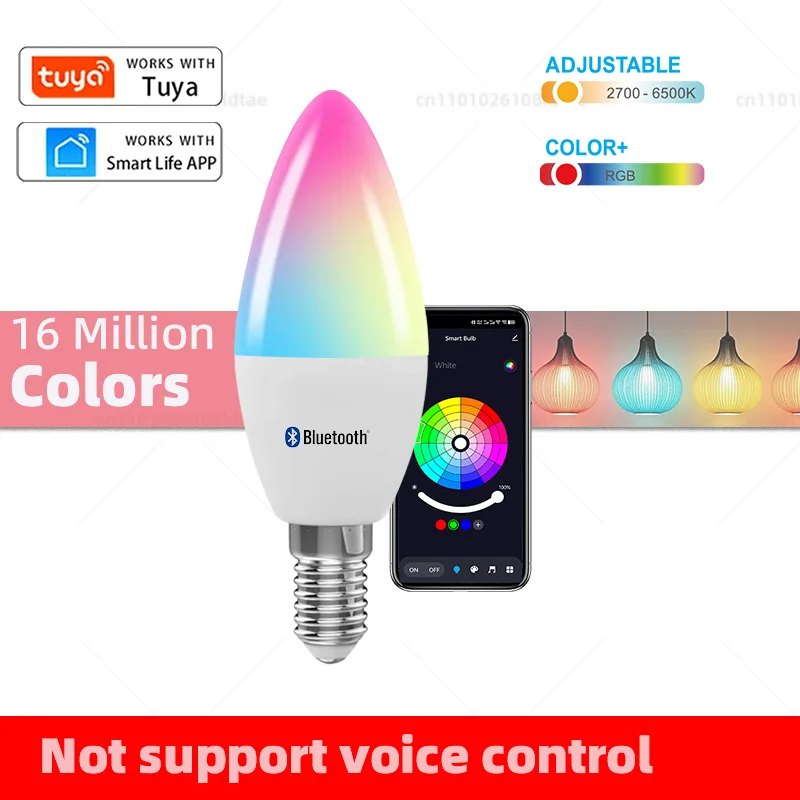
This is a Tuya Bluetooth light that cannot connect to Alice, Alexa, or Google Home.
It cannot connect to any voice assistant.
Specifications:
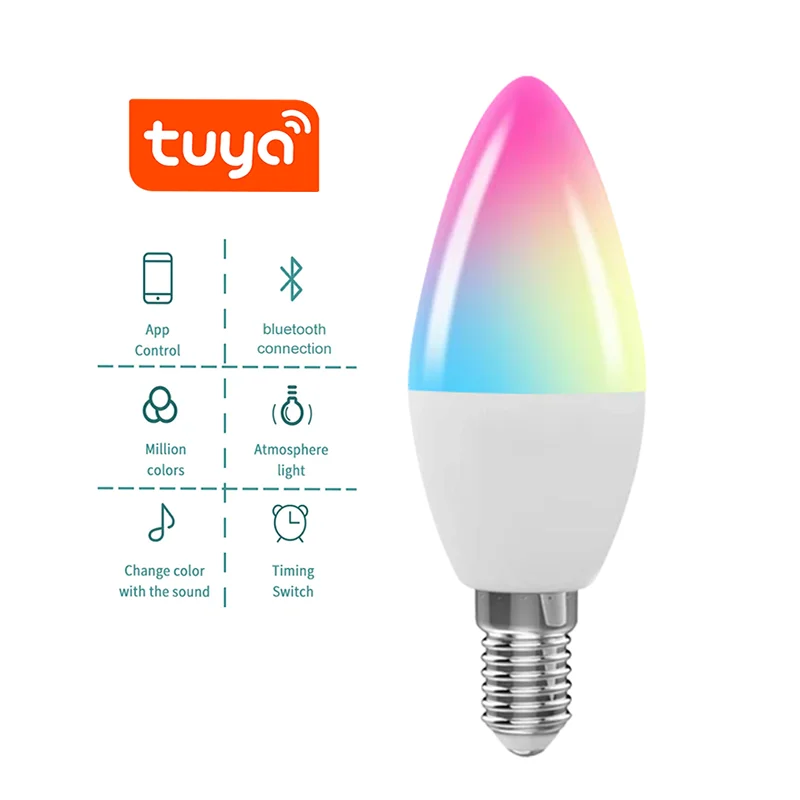
Product Name: Smart Bluetooth Light
Socket type: E14
Color Temperature: RGB+Warm White+Cool White
Voltage: AC 220-240V
Power: 5W
Application name: Tuya/Smart Life
characteristic:
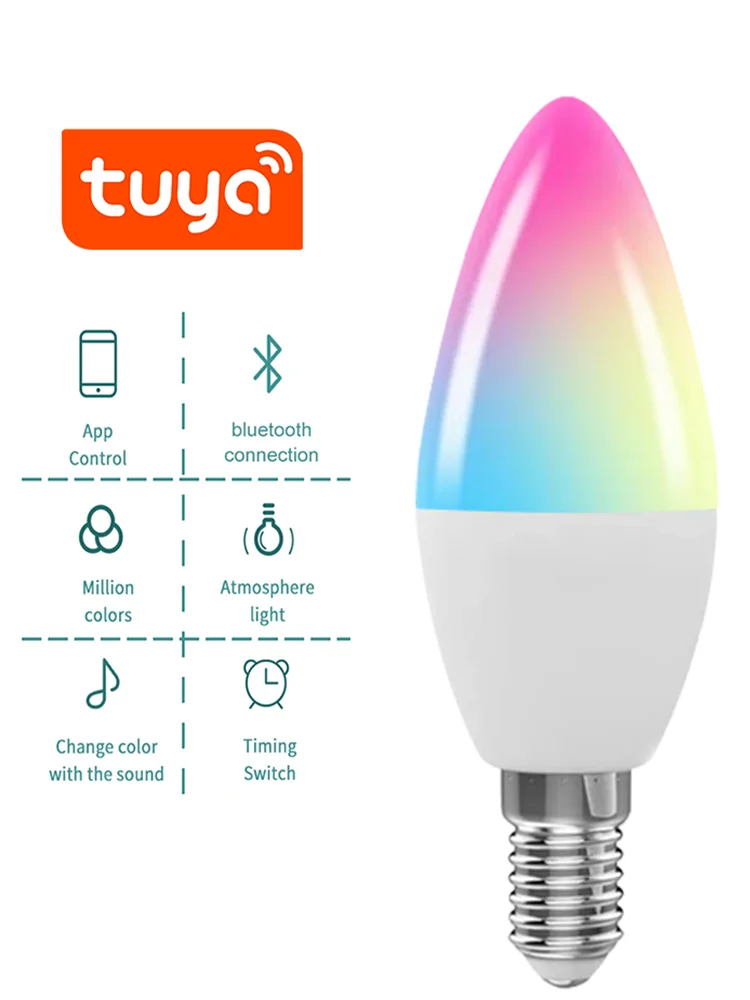
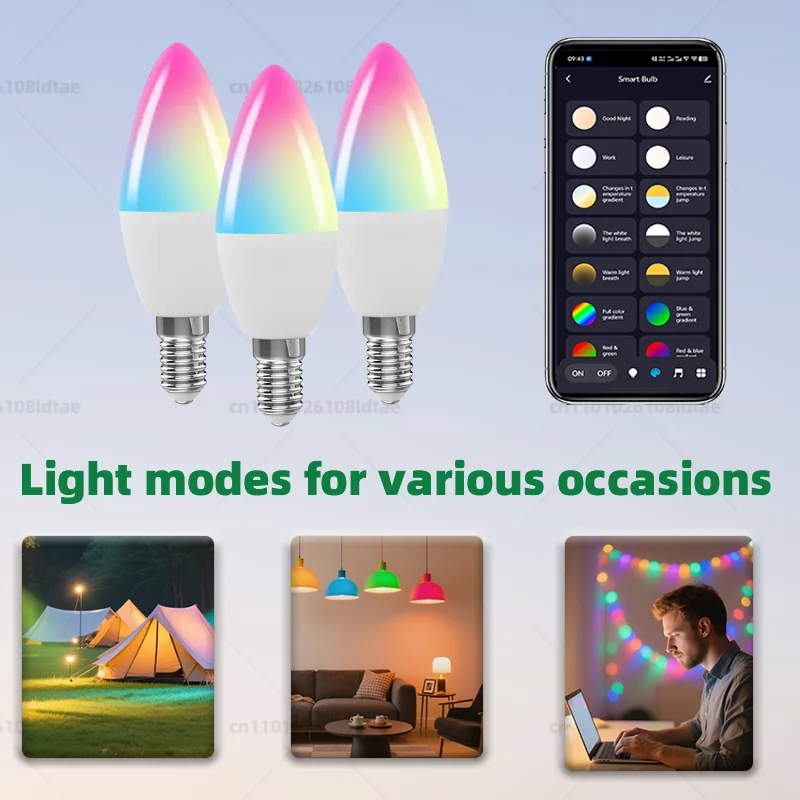
1) Application: Tuya Smart Application/Smart Life Application can be used to remotely control the on/off of lights. Change the color, brightness, etc. of light.(The distance between the phone and the device is within 15 meters. Need to turn on Bluetooth on the phone).
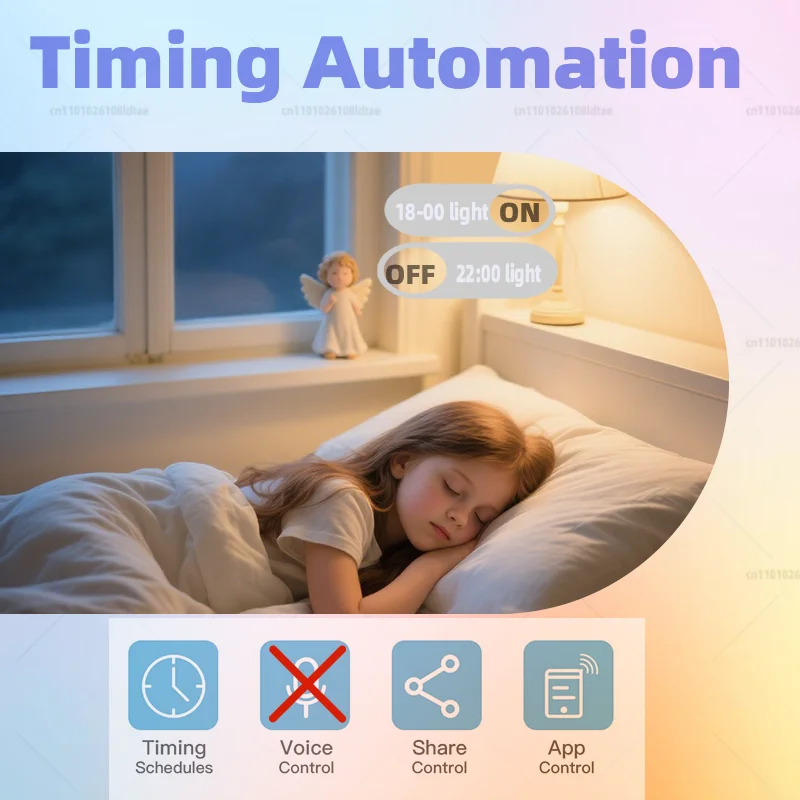
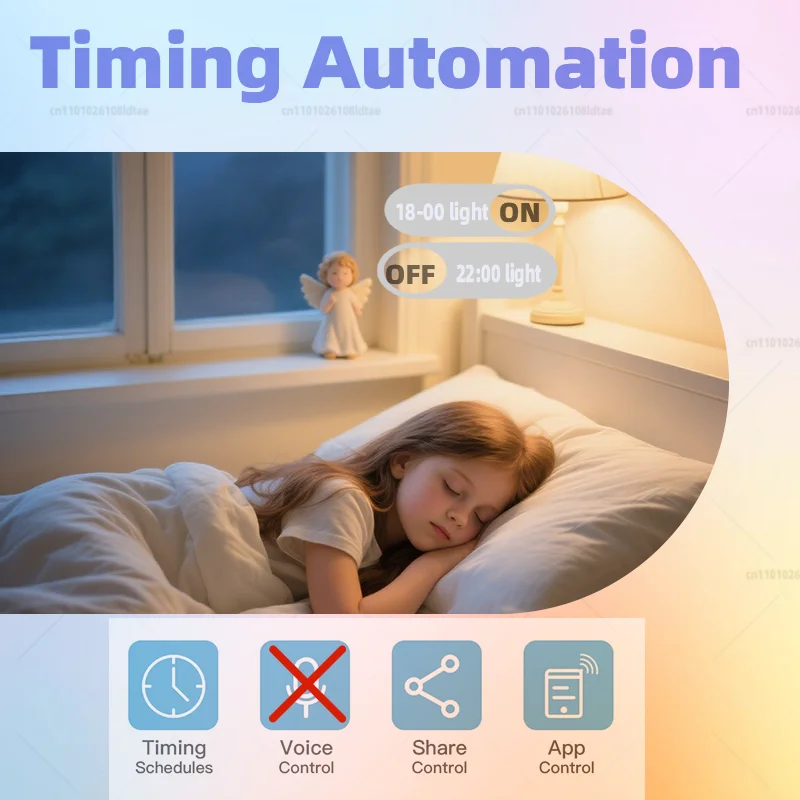
2) Time: The light automatically turns on/off at a given time through the timer function.
3) Sharing function: Can be shared with family members.
4) Colorful: 16 million colors to choose from, making your life more vibrant. Adjust the color temperature from 2700K to 6500K and shine the light you want.
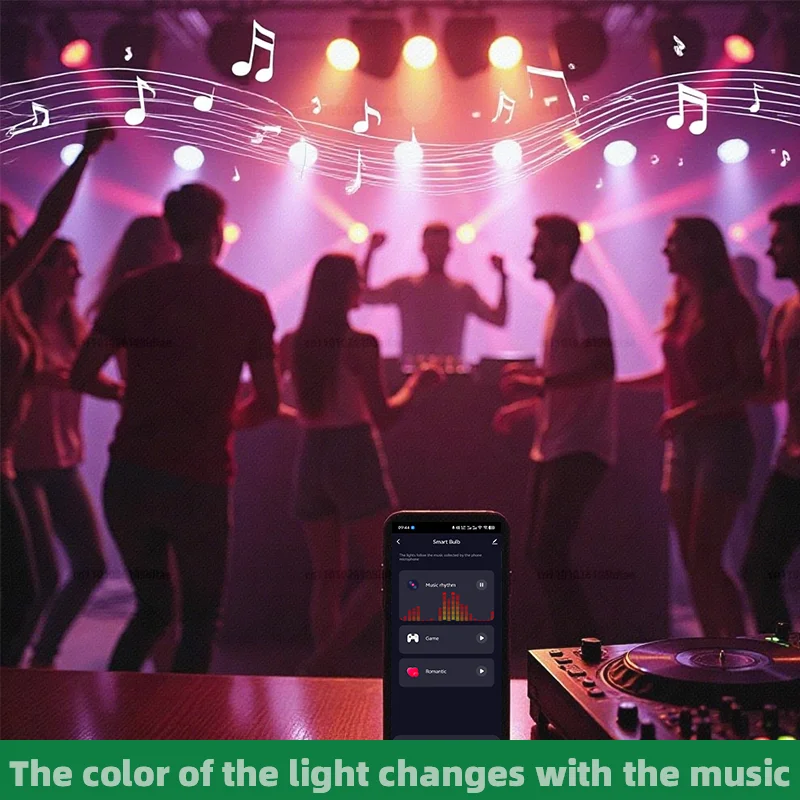
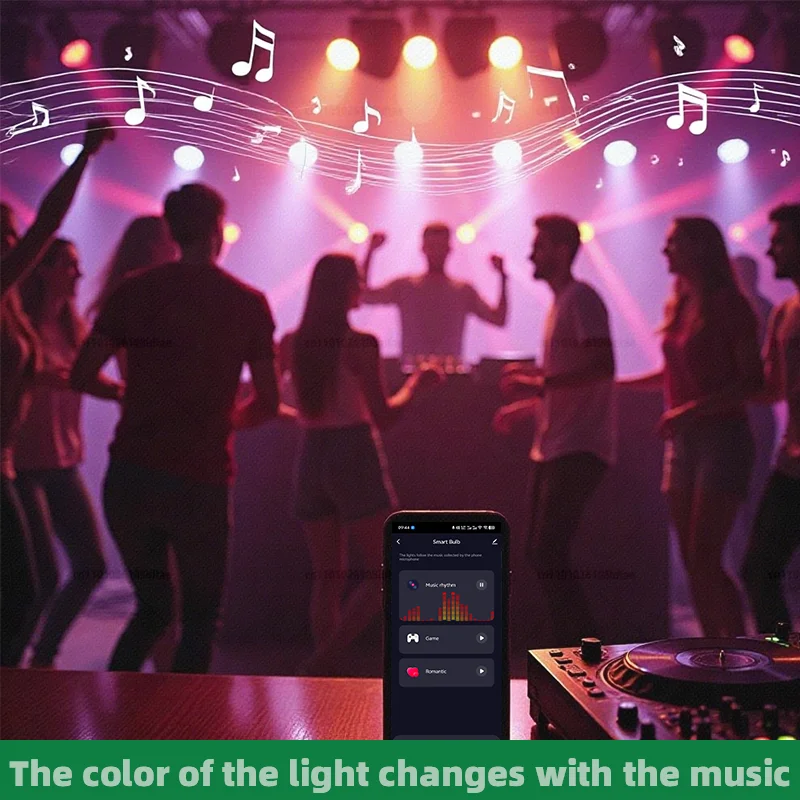
5) Music synchronization: The brightness of the lights can be synchronized with the rhythm of your favorite music, creating a relaxed and peaceful atmosphere. Transform any room into a dance floor or create a relaxed and peaceful atmosphere. For example, living room, kitchen, bedroom, and so on.
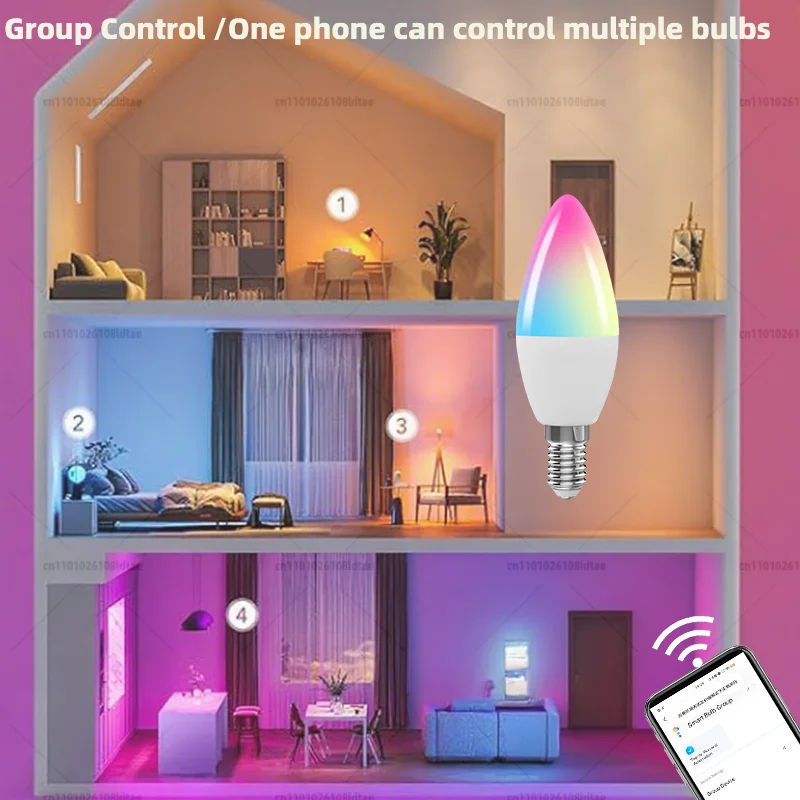
6) Group control: Create a group and add it to the group while controlling all lights.
How to connect Bluetooth in the application?
1. Use your phone to scan the code or search for "Tuya"/"Smart Life" in the app store to download and install the application.
2. Registration: If you do not have an application account, please register an account or log in using an SMS verification code.
3. Turn on Bluetooth on your phone.
4. In the application, select "Add Device", choose "Lighting", and select "BLE Light Source".
5. Adjust the flashing of the light (ON/ OFF/ ON /OFF /ON);
How to reset and clear Bluetooth optical code?
Continuously turn on/off 5 times until the indicator starts flashing