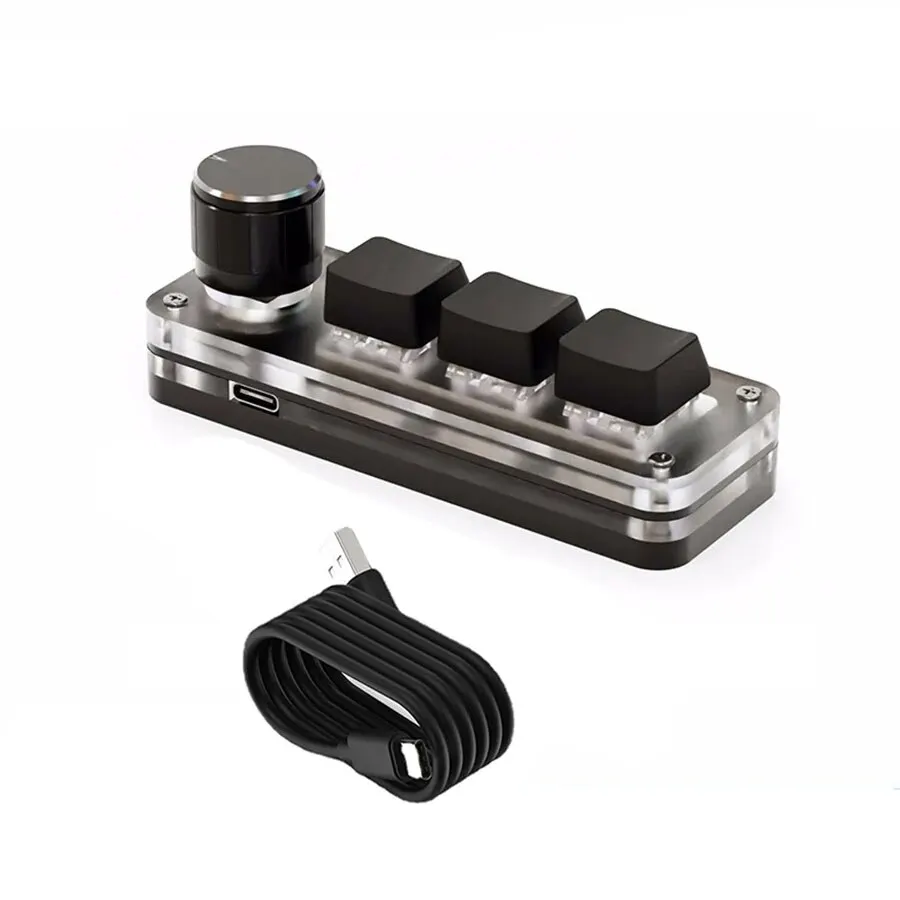
Description
SPECIFICATIONS
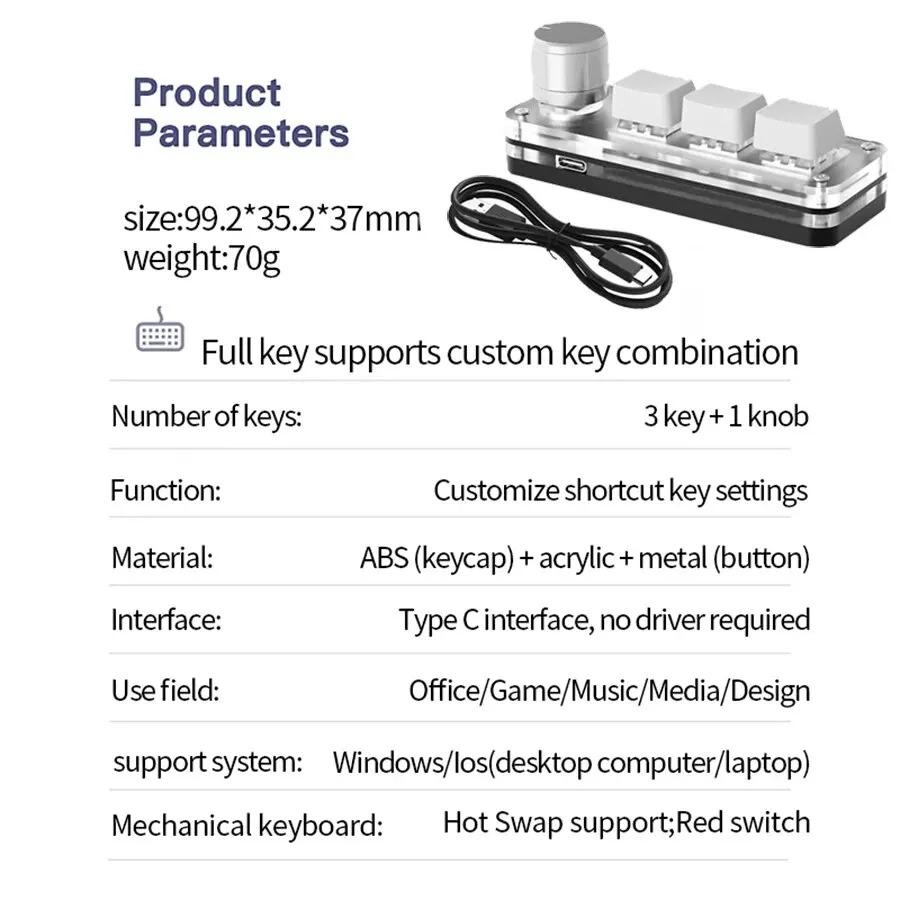
Application: Desktop,Laptop
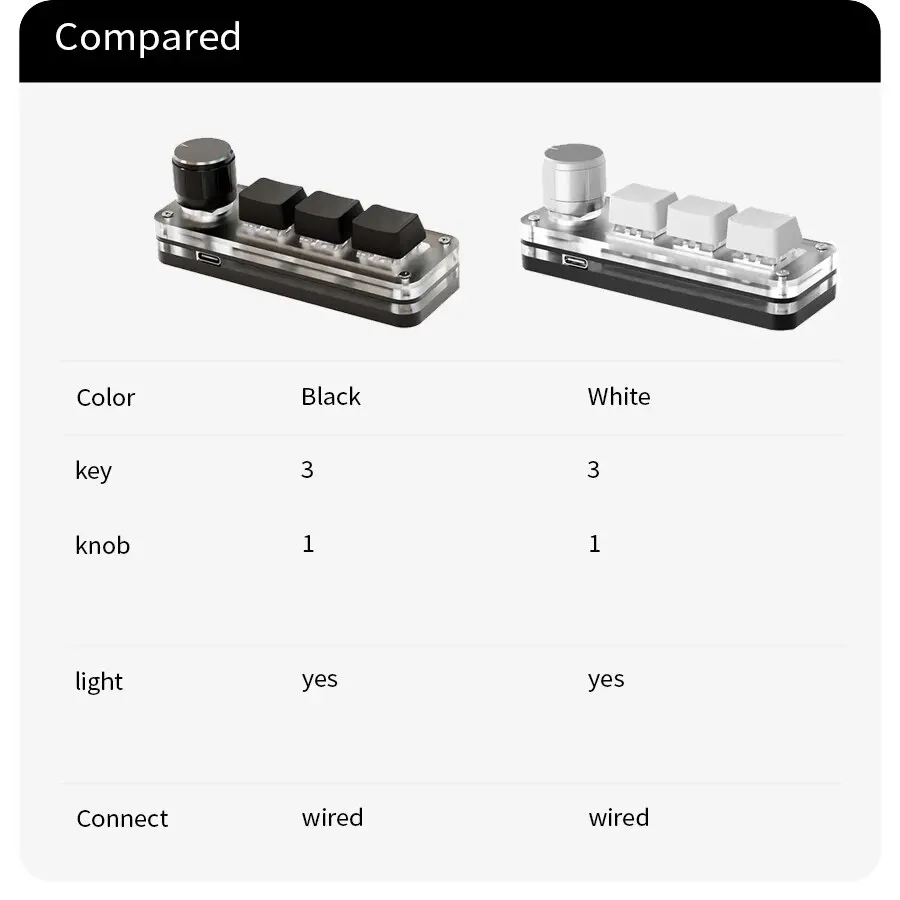
Backlight Type: MULTICOLOR
Battery Included: No
Brand Name: ammtoo
Choice: yes
Hign-concerned Chemical: None
Interface Type: USB
Keyboard Standard: Mini Keyboard
Language: English
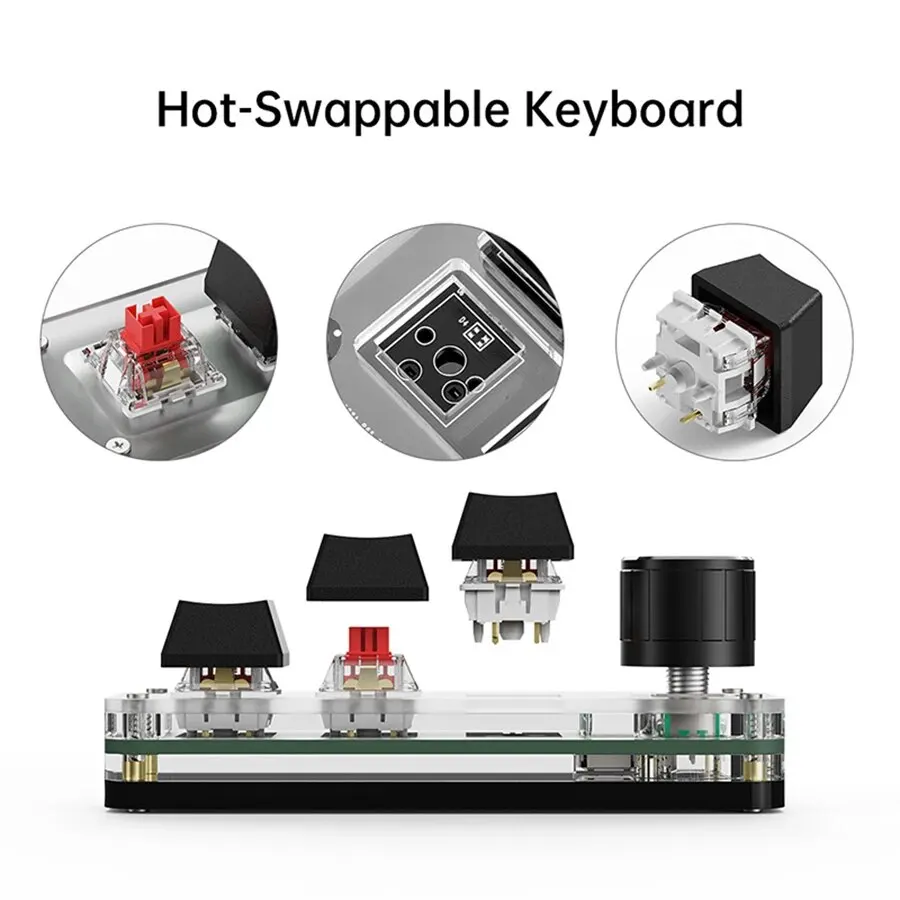
Operation Style: Mechanical
Origin: Mainland China
Package: Yes
Style: Mini
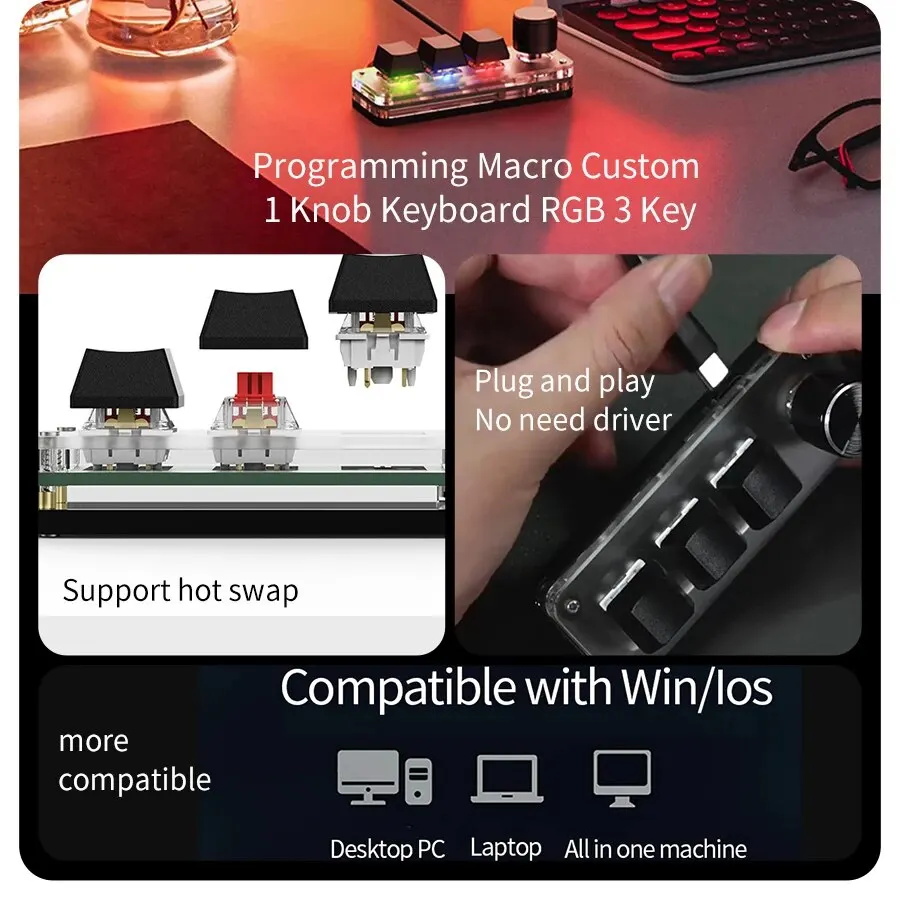
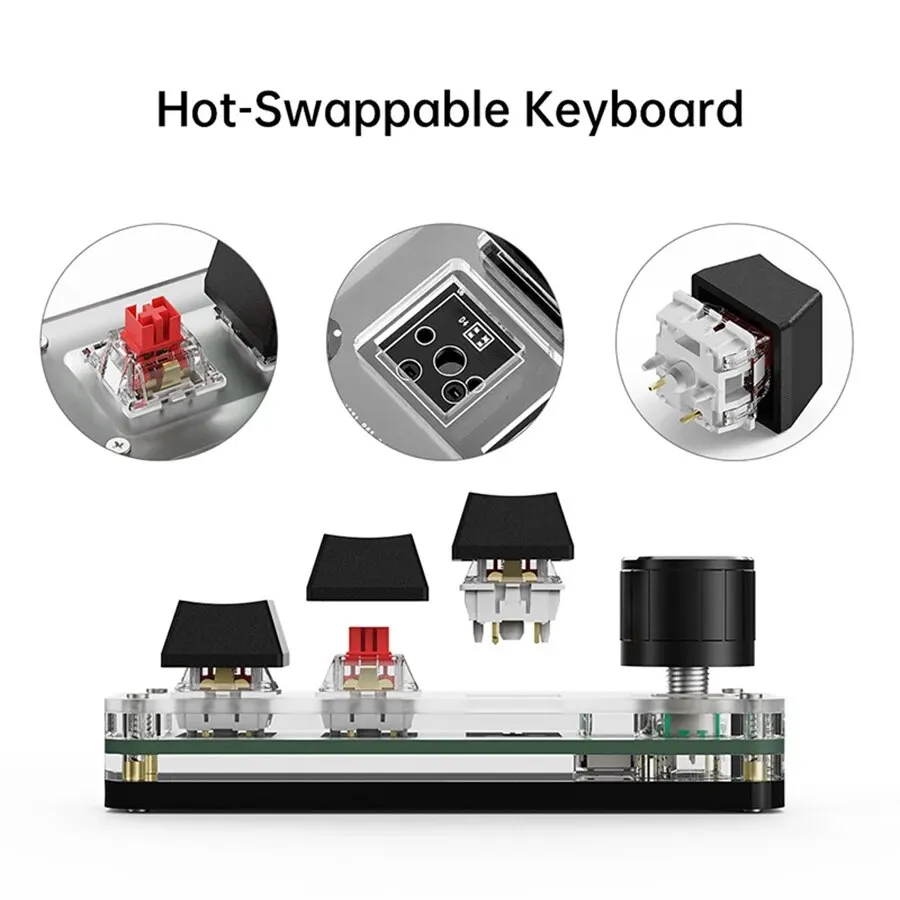
Switches Hot swap: Yes
Type: Wired
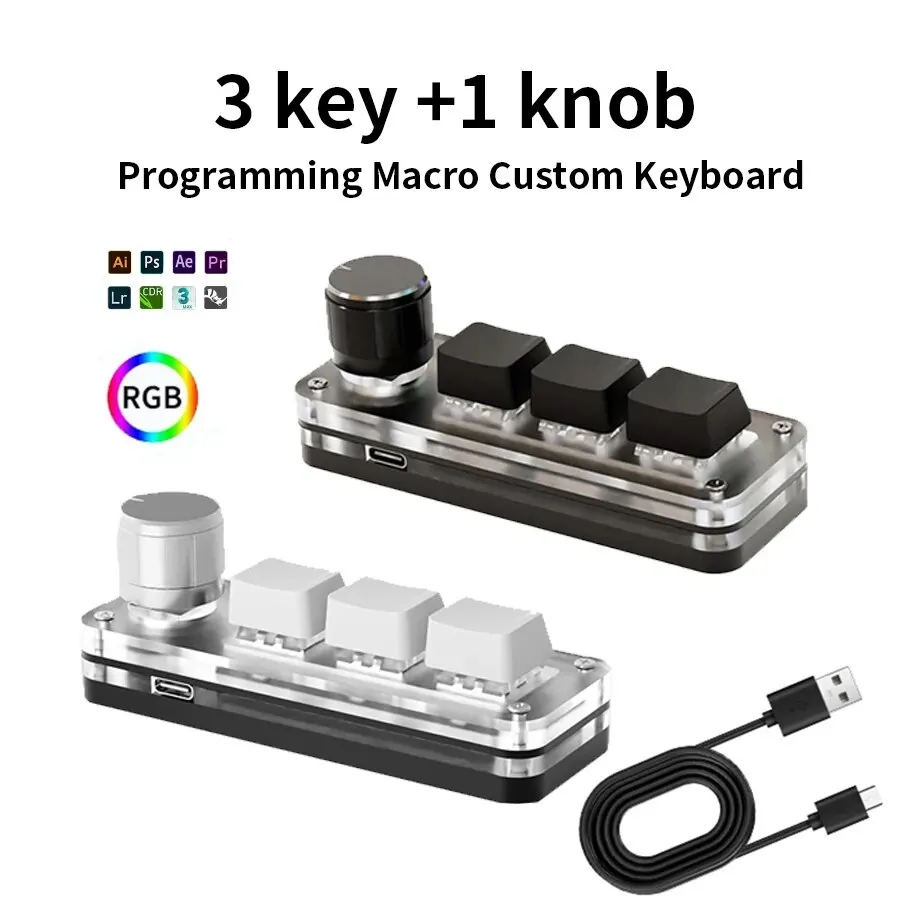
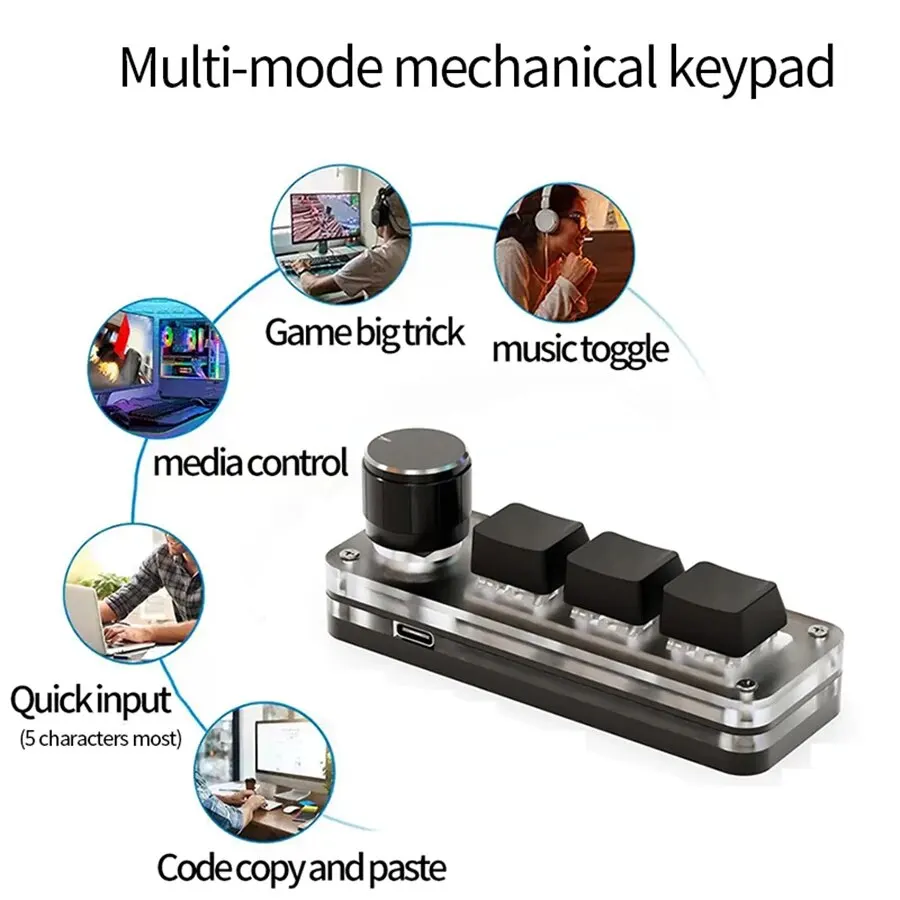
• Mechanical Operation Style :Enjoy a tactile and responsive typing experience with the mechanical operation style of this keyboard.
• Multicolor Backlight :The multicolor backlight feature adds a touch of style to your setup and makes it easier to use in low-light conditions.
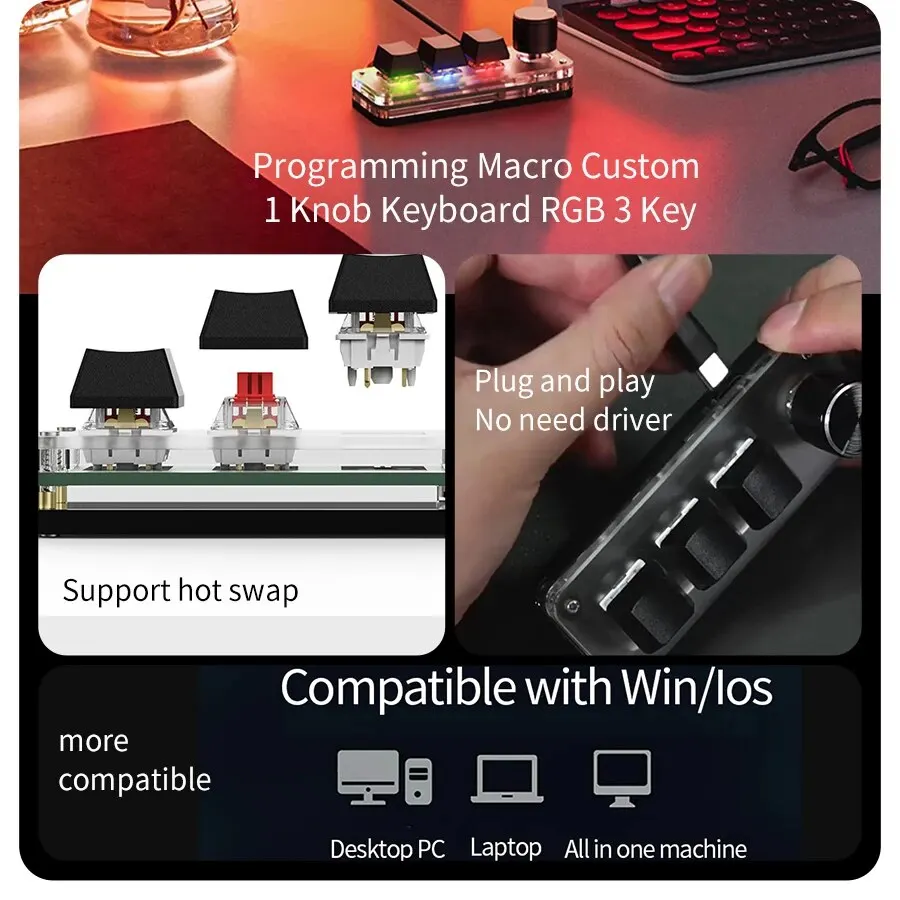
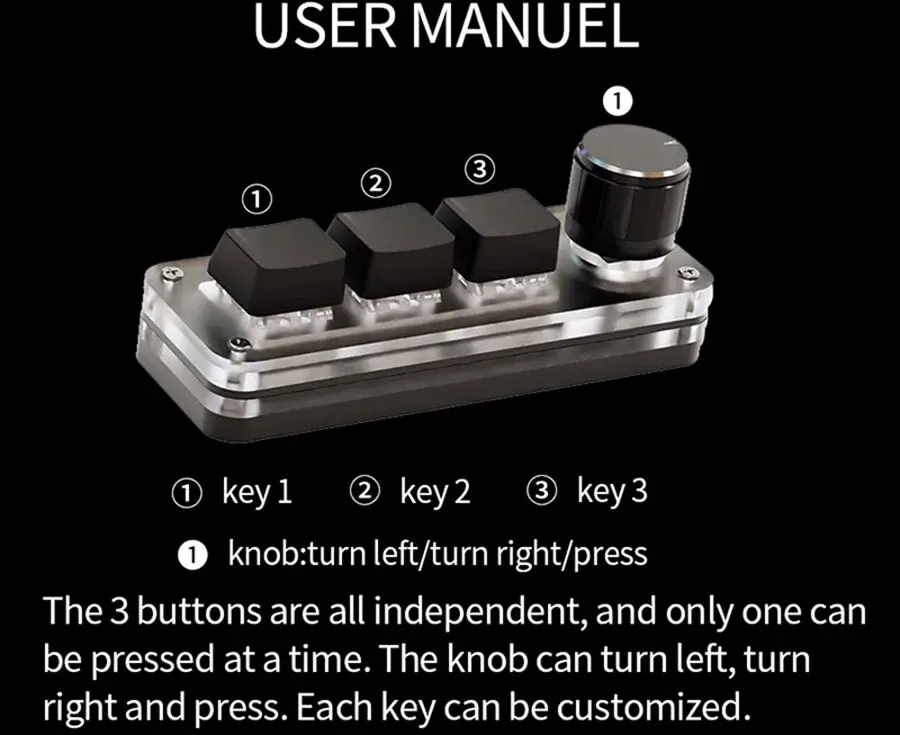
• Custom Programming :Customize your keyboard's functionality with the ability to program specific keys for your needs.
• 3 Keys for Photoshop :With three dedicated keys for Photoshop, you can easily access commonly used commands without having to switch between tools.
• Macro Keypad :The Macropad Macro Mechanical Keyboard features a macro keypad that allows for easy and efficient custom programming.
• Mini Size :The Macropad Macro Mechanical Keyboard is a mini size, making it easy to carry around and use on-the-go.
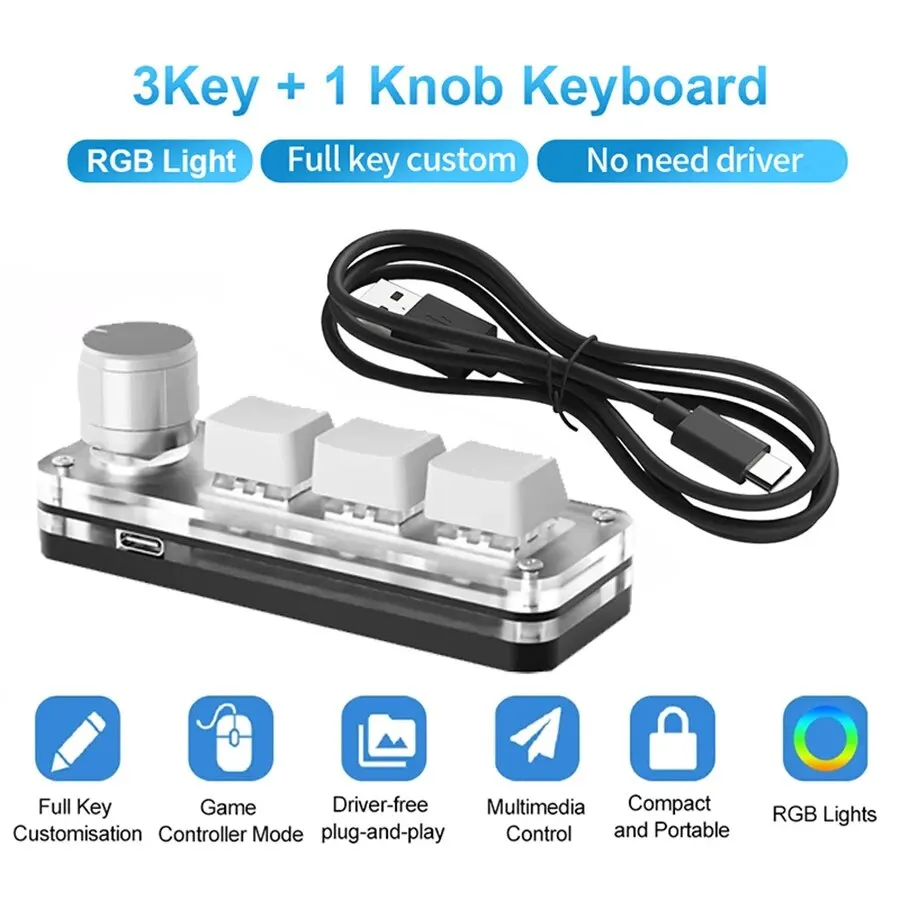
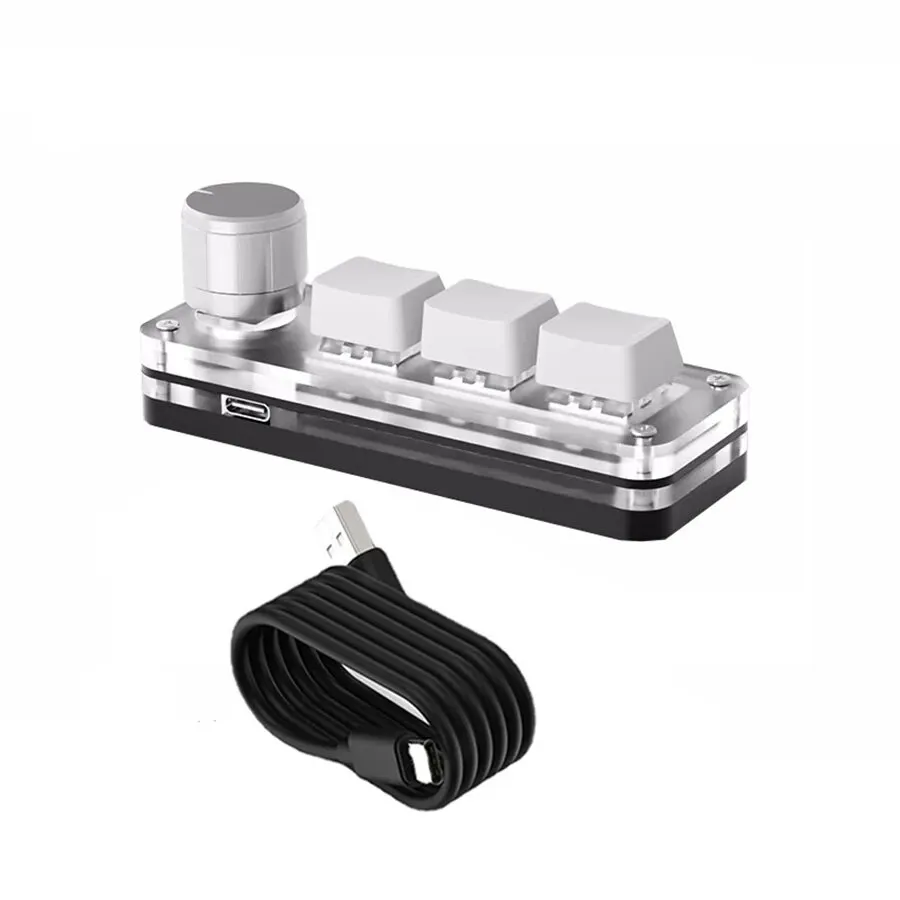
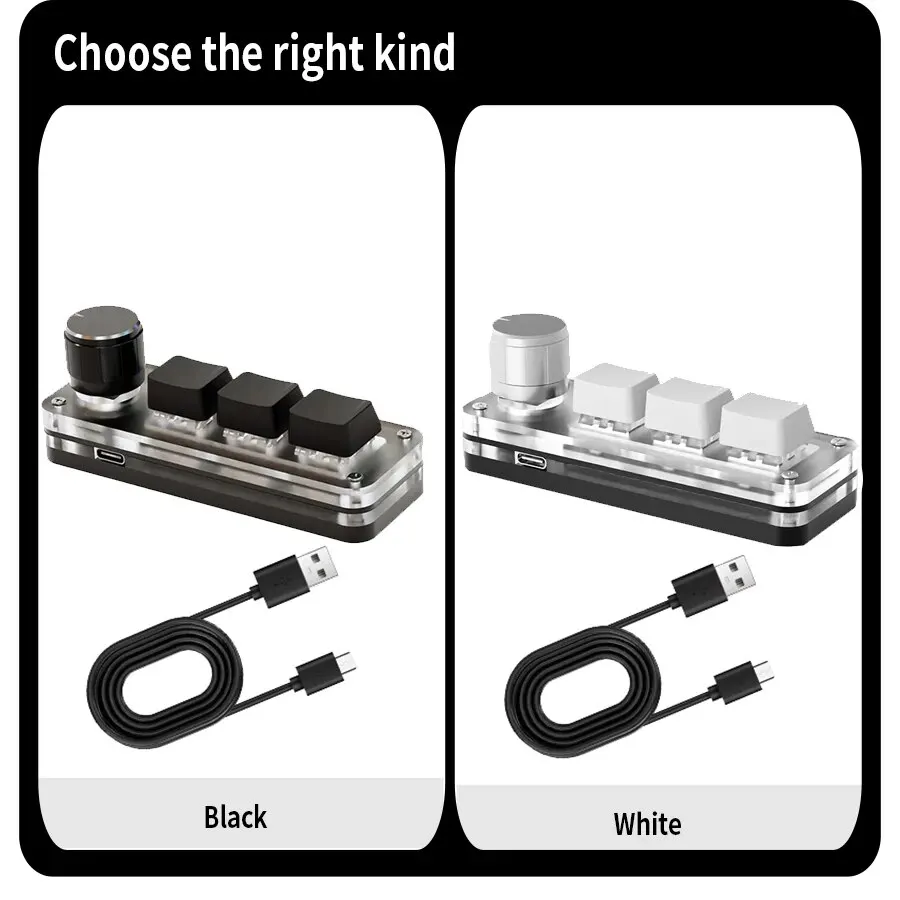
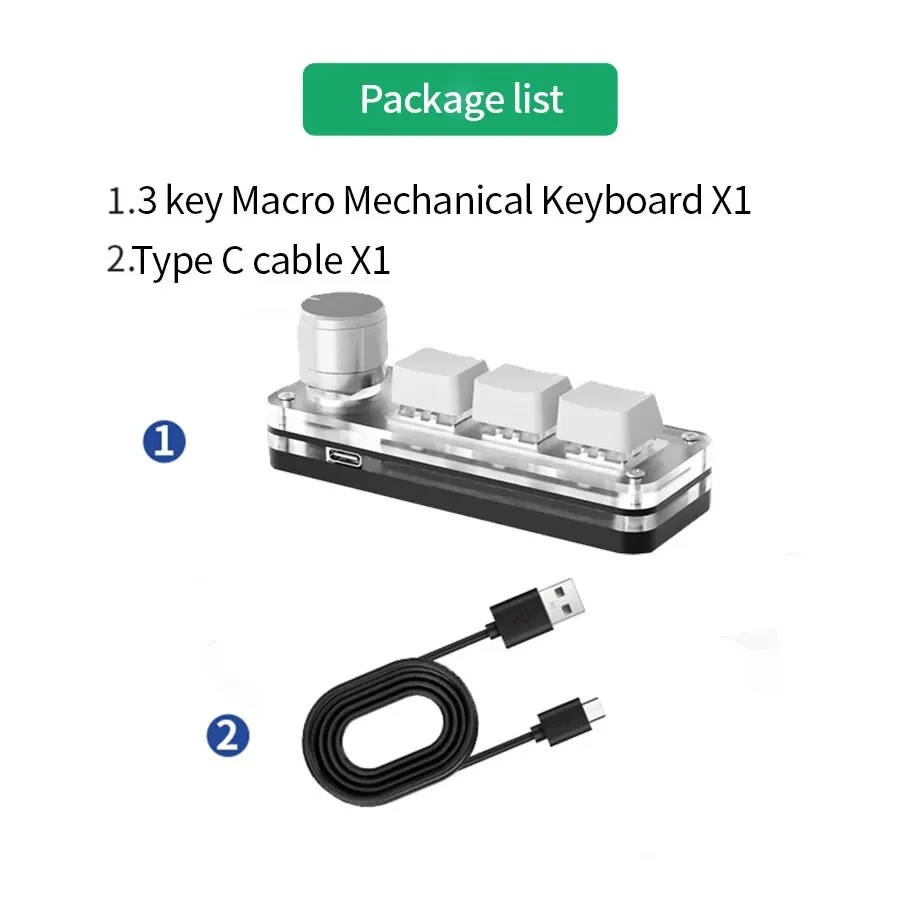
This is a mini keyboard with custom functions,Type-C to USB interface, no driver required, plug and play.Button customization, can be set according to your requirements.

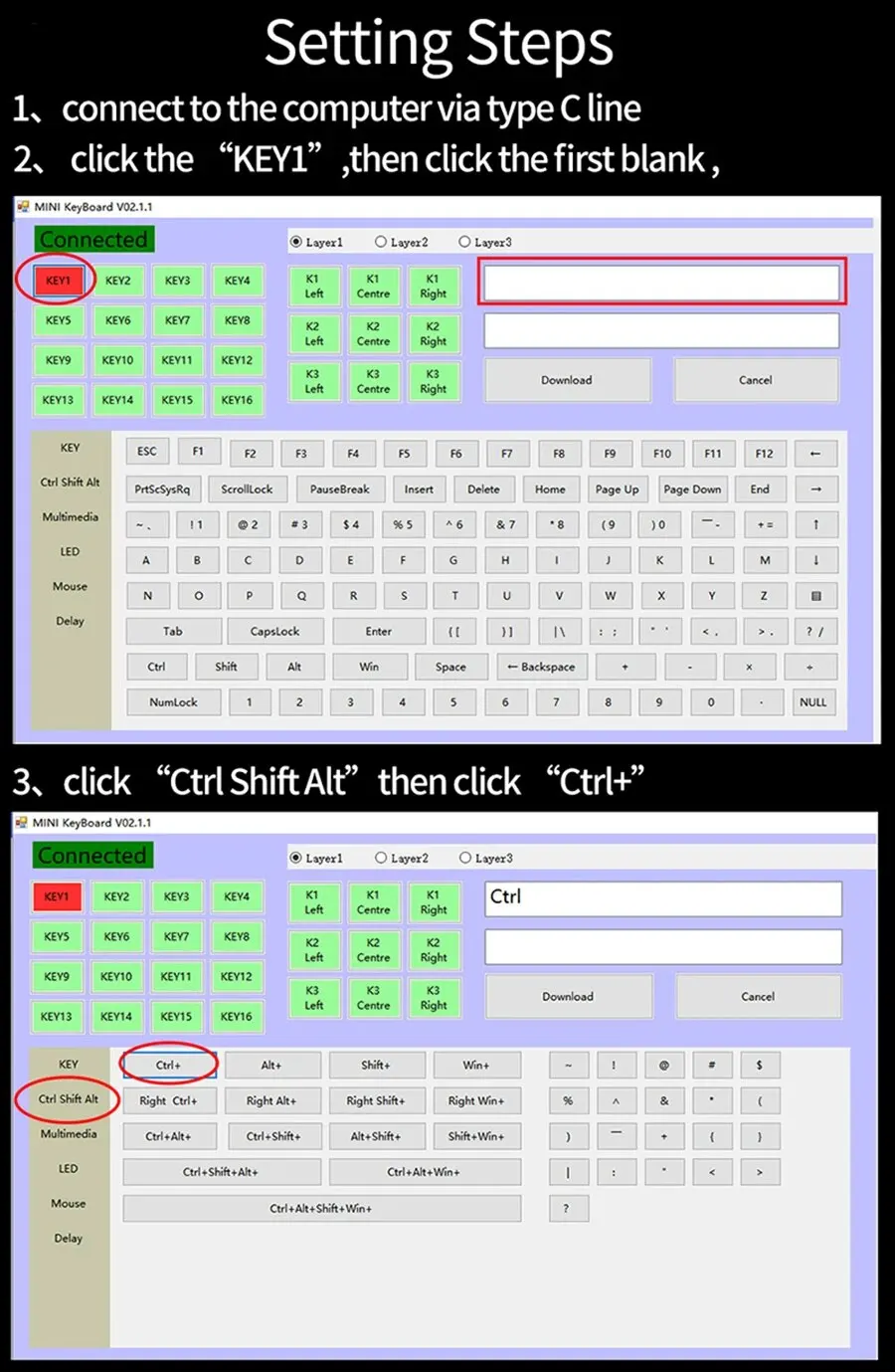
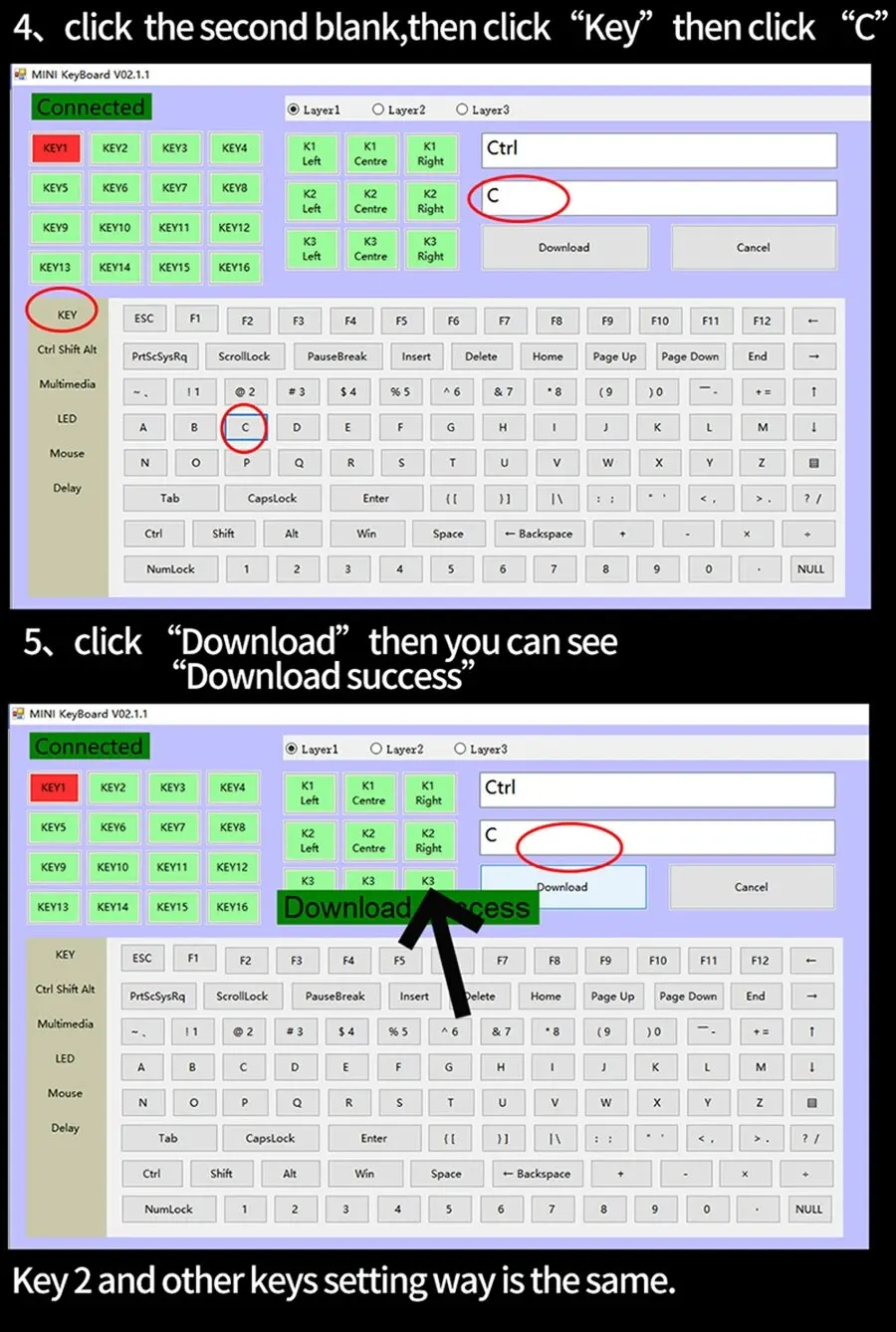
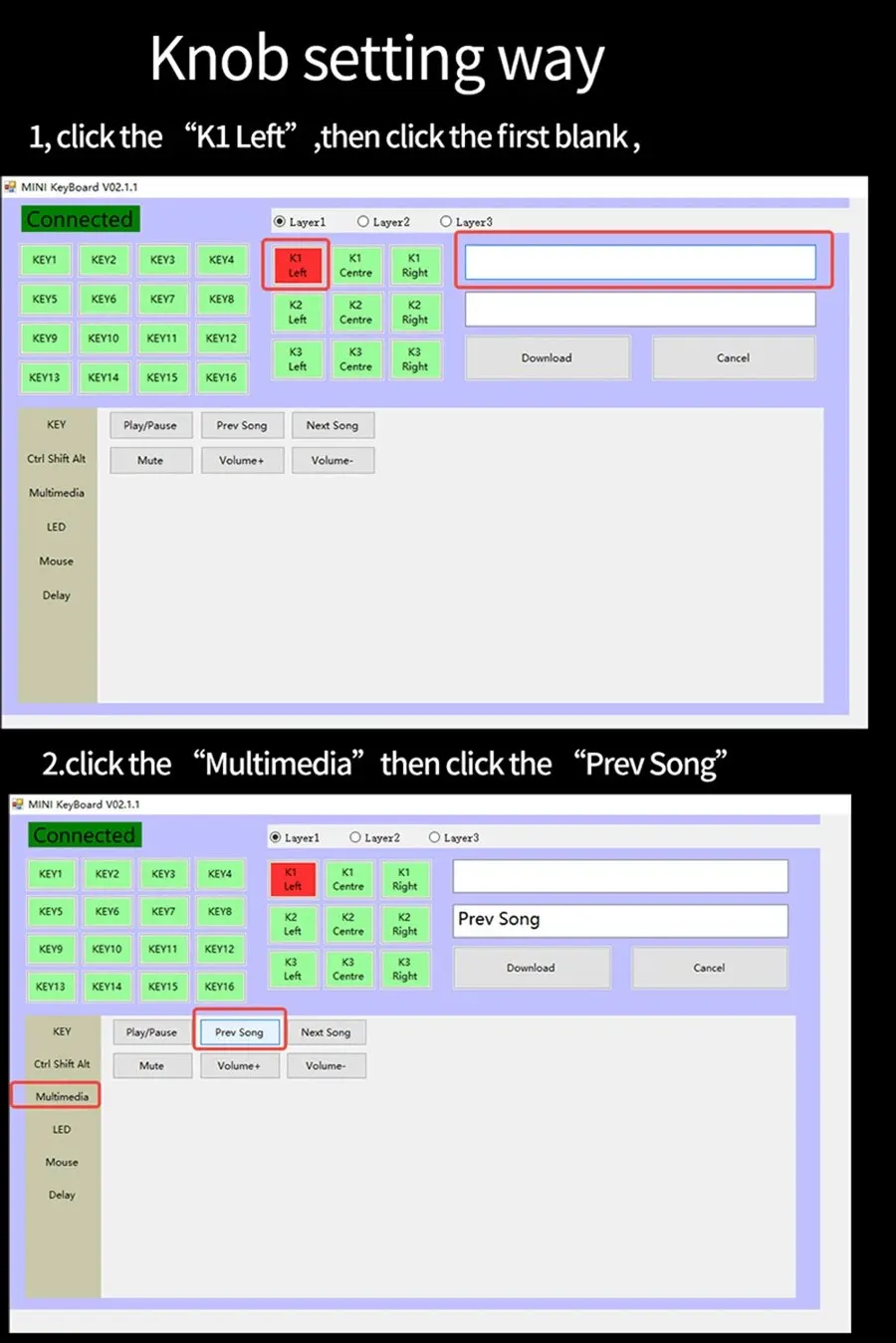
If you don’t know how to download the software, please see here:
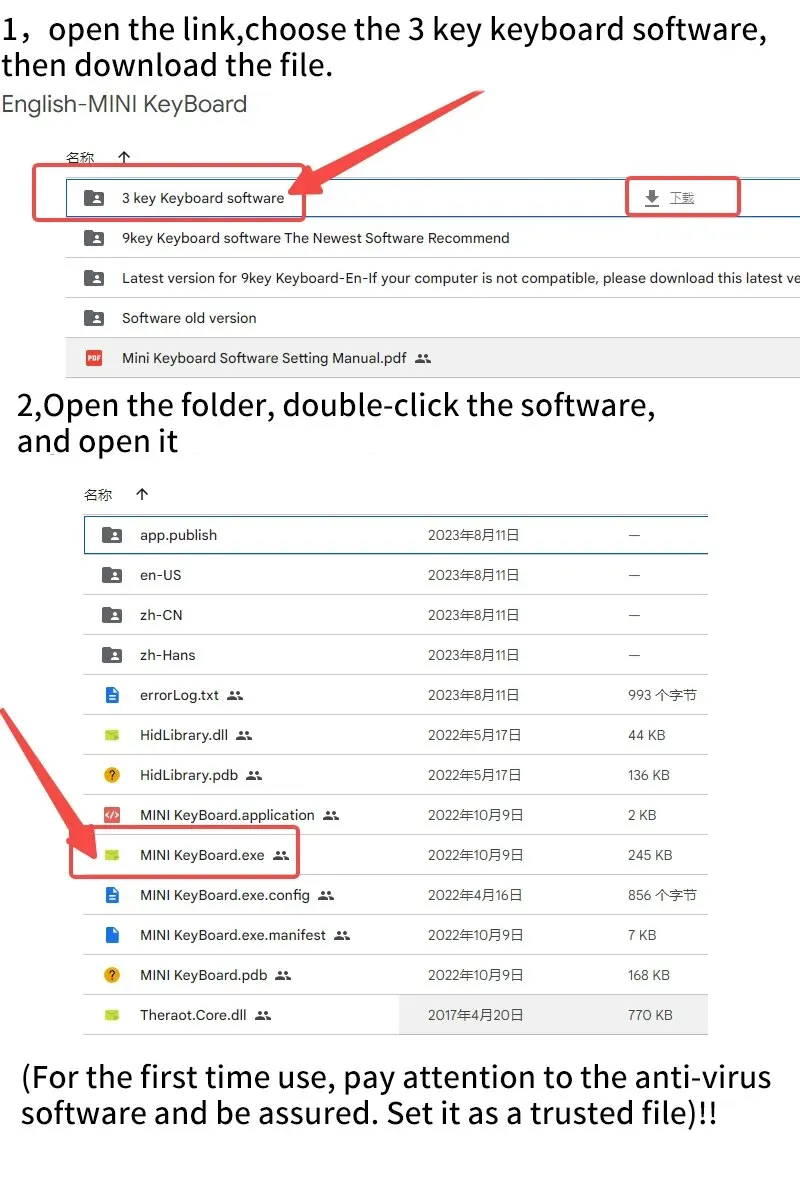
1.Software download link:https://drive.google.com/drive/folders/1xqFDp-l5TVA_6Ojsn0rt7GqvF5EvWDCi?usp=share_link
2,open the link ,and follow step:
3,remember to set it on windows computer.
 Notice:
Notices:
1,It need to use Widows system to set up the software
2,Led light can be turn off,you can choose model 0
3,Software download link:https://drive.google.com/drive/folders/1xqFDp-l5TVA_6Ojsn0rt7GqvF5EvWDCi?usp=share_link
Questions & Answers
Question 1: There is no response when the keyboard is connected to the computer, or the device is prompted abnormally.
Solution: Check whether the cable and interface have been connected, and re-plug; replace the USB on the computer
Plug the interface back in.
Question 2: After downloading the custom software, it cannot be opened.
Solution: Check whether the anti-virus software is blocking the operation, and set it as a trusted file.